Tips for online meetings
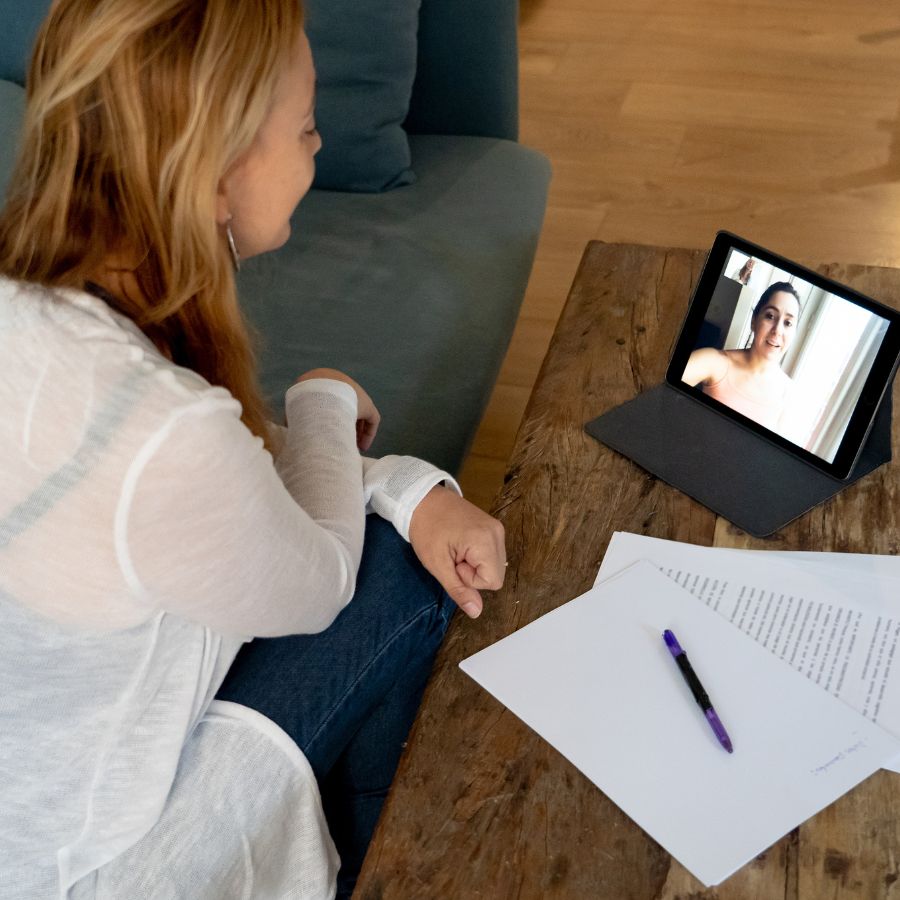
‘Feel anxiety regarding how to communicate during online meetings? My experience with online meetings as a deaf person is limited to my six years of deafness, and I still feel stress when attending online meetings – even if others online are deaf as well. So, I asked my deaf friends for some tips for successful communication in online meetings. Here they are:
Tips for successful communication in online meetings
- Understand that many of us are still learning. It’s okay to make mistakes.
- Use your Mute button when you are not speaking.
- Extra noise can be distracting.
- Take turns talking.
- Raise your hand and wait to be called on.
- Do not talk over people.
- No sidebar conversations in voice or signing. That is distracting to many others in the meeting.
- State your name before speaking.
- Speak or sign slowly.
- Keep an eye on the captioning to see if it is correct.
- Understand that there is a delay in captioning.
- Auto Caption and a captioner are not the same. Auto caption is slower and a has lot more errors.
- Auto Caption does not work well with deaf accents.
- Use the chat box as needed.
- Be aware that virtual backgrounds distort your hand movements, if you are signing and many areas of your screen become pixelated with movement, a real solid background is better.
- For voting or questions pause long enough for everybody to have a chance to respond.
- Any questions? Just ask your peers. Relax and enjoy!