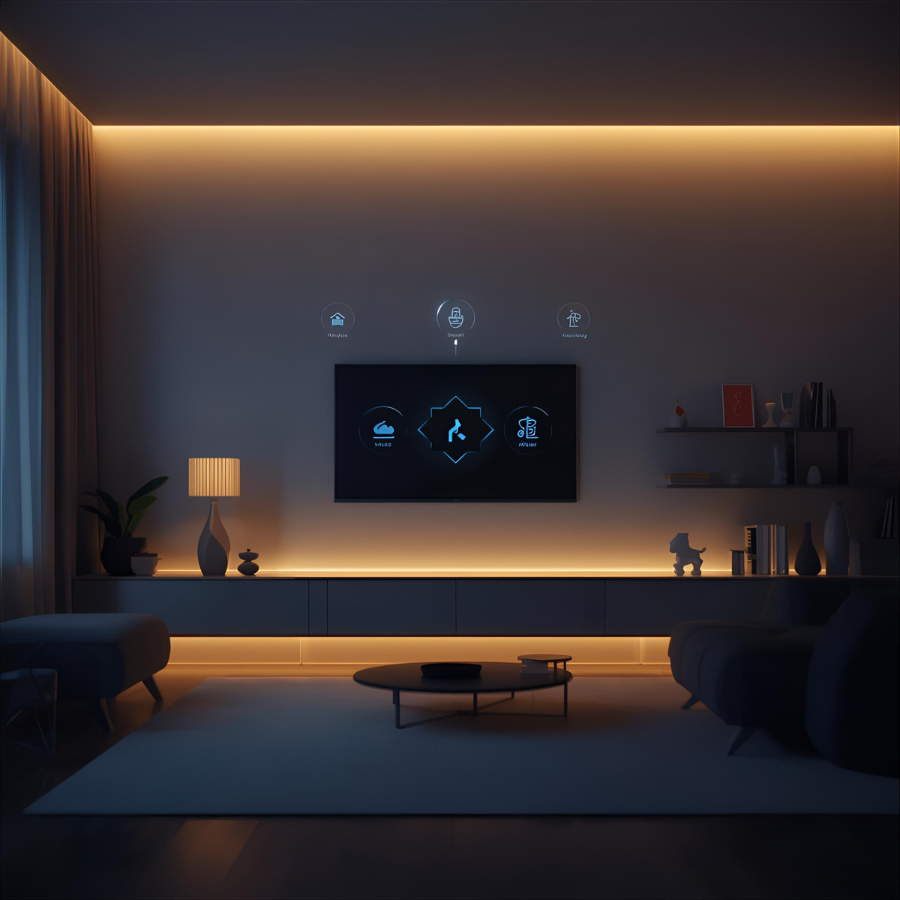
Picture this: Someone’s at your door. Your baby is crying upstairs. The smoke alarm goes off.
But you can’t hear any of it. 😶
Here’s what’s possible now: Your home uses LIGHT, VIBRATION, and your PHONE to tell you everything. 💡📱
⚠️ TRANSPARENCY STATEMENT ⚠️
We are NOT sponsored by, affiliated with, or paid by any company mentioned in this post. No affiliate links. Just sharing research from the deaf/HoH community. Always do your own research before purchasing!
🔔 Smart Doorbells That Flash Your Lights
Ring Video Doorbell sends instant alerts to your phone with live video—no more missed deliveries or guests. Even better, you can connect it to your Philips Hue lights to make them flash when someone rings.
- Ring Doorbell: https://ring.com
- Connect with Philips Hue lights to create visual alerts throughout your home
Philips Hue Secure Wired Video Doorbell has built-in integration—when someone rings, your Hue lights automatically flash. It’s designed to work seamlessly together.
Dedicated Visual Doorbell Systems:
- ERA-DCKIT-2: Loud chime PLUS bright strobe light, 4,000 ft range
👶 Baby Monitors With Visual Alerts
Nanit Pro Camera sends instant notifications to your phone (which can vibrate). Track breathing motion, sleep patterns, and get alerts for any movement—all viewable on your phone or Apple Watch.
- Product: https://www.nanit.com/products/nanit-pro-camera
- Get real-time sound and motion notifications that make your device vibrate
Cubo AI Plus uses artificial intelligence to detect if your baby’s face is covered or if they’ve rolled over. Sends immediate alerts to your phone with vibration.
- Product: https://us.getcubo.com
SereneLife Baby Monitor comes with a rechargeable smartwatch that vibrates when the camera detects your baby crying or moving.
- Available on Amazon and major retailers
🚨 Smart Smoke Detectors
Google Nest Protect sends emergency notifications directly to your phone and Apple Watch. While it doesn’t have a built-in strobe, you get instant mobile alerts wherever you are.
- Product: https://store.google.com/product/nest_protect_2nd_gen
- Works with smart lights for additional visual alerts through automation
💡 The Magic Connector: Smart Lights
Your existing Philips Hue lights can flash for ANY event. Connect them to doorbells, smoke detectors, phone calls, and more through:
- IFTTT (If This Then That): Free automation service
- Apple HomeKit: Built-in iOS automation
- Amazon Alexa Routines: Voice assistant automation
This means one set of lights can alert you to multiple things—doorbell = blue flash, smoke alarm = red flash, phone call = green flash.
💰 Why This Matters
Most of these work with devices you already own. Your smartphone becomes the hub. Your smartwatch taps your wrist. Your lights flash in patterns you choose.
This isn’t just “assistive technology”—it’s smart technology. 🧠
Ever missed a doorbell because you were in the shower? Wearing headphones? Vacuuming? These visual systems help EVERYONE.
✅ How I Verified These Products
1. Multiple Source Cross-Referencing
- I searched current reviews, product pages, and deaf/hard-of-hearing community discussions
- Checked specialized sites like DeafVibes.com, ADCO Hearing Products, and accessibility forums
- Looked for products mentioned repeatedly across different sources
2. What I Found:
- Ring & Philips Hue: Widely used, established brands with accessibility integrations
- Nanit Pro: NYT Wirecutter “Best WiFi Video Monitor,” highly rated by parents
- Cubo AI: Consistently praised for picture quality and AI safety features
- ERA-DCKIT-2: Specifically designed for deaf/hard-of-hearing users, sold by specialized retailers
3. Red Flags I Avoided:
- Brand-new products with no reviews
- Single-source recommendations
- Products with no clear return policy
🔍 How YOU Should Verify (Don’t Just Trust Me!)
Step 1: Check Multiple Review Sources
- Amazon reviews (look for 4+ stars with 100+ reviews)
- YouTube video reviews (see the product in action)
- Consumer Reports (independent testing)
- Reddit communities: r/deaf, r/hardofhearing, r/smarthome
- Specialized blogs: DeafVibes, Hearing Tracker, etc.
Step 2: Read NEGATIVE Reviews
This is critical! Look for:
- Recurring complaints (same issue mentioned 10+ times = real problem)
- How the company responds to complaints
- Deal-breakers for YOUR specific needs
Step 3: Check Return Policies
Good companies offer:
- 30-60 day return windows
- Money-back guarantees
- Clear warranty terms
Step 4: Ask the Community
- Facebook Groups: “Deaf & Hard of Hearing Support”
- Forums: AllDeaf.com, HearingLossHelp.com
- Local organizations: Contact your local deaf community center
Step 5: Look for Certifications
- UL Listed (safety tested)
- FCC Compliant (wireless devices)
- ADA Compliant (accessibility standards) – though many good products aren’t certified but still work well
⚠️ My Limitations (Important!)
I cannot:
- Physically test all these products myself
- Know if prices have changed since my search
- Guarantee they’ll work for YOUR specific setup
- Know about issues that developed after my research date
🎯 My Specific Recommendations for Due Diligence:
Before buying the products I listed:
- Ring Doorbell → Check current Amazon rating + watch YouTube setup videos for deaf users
- Philips Hue → Verify IFTTT/automation still works (sometimes integrations break with updates)
- Nanit Pro → Check if subscription costs have changed (big ongoing expense)
- Cubo AI → Read recent reviews about app reliability
- ERA-DCKIT-2 → Call 1-800-DOORBELL and ask about their guarantee
💡 The BEST Research Strategy:
“Test Before You Invest”
- Start with ONE product (maybe the doorbell)
- Buy from retailer with easy returns (Amazon, Best Buy)
- Test for 2-3 weeks
- If it works, expand your system
- If not, return and try alternative
📞 Who to Ask for REAL Advice:
- Audiologists (they work with deaf/HoH clients daily)
- Deaf equipment specialists: ADCO Hearing, Harris Communications
- Technology Access Programs: Gallaudet University TAP (tap.gallaudet.edu)
- State Relay Services (often provide equipment recommendations)
Bottom Line: I did research to find commonly recommended products, but YOU should always verify with current reviews, community feedback, and ideally a trial period before fully committing. Trust—but verify! 🔍
💬 What’s the ONE sound in your home you wish you could “see” instead?
#DeafTech #SmartHome #Accessibility #AssistiveTechnology #DeafCommunity #UniversalDesign #HomeAutomation #Tech2025 #InclusiveDesign #DisabilityInnovation